Build reusable tool lists for a job, a machine or a setup — then push them straight to the screen at the cabinet, where the operator pulls everything in one guided checkout.
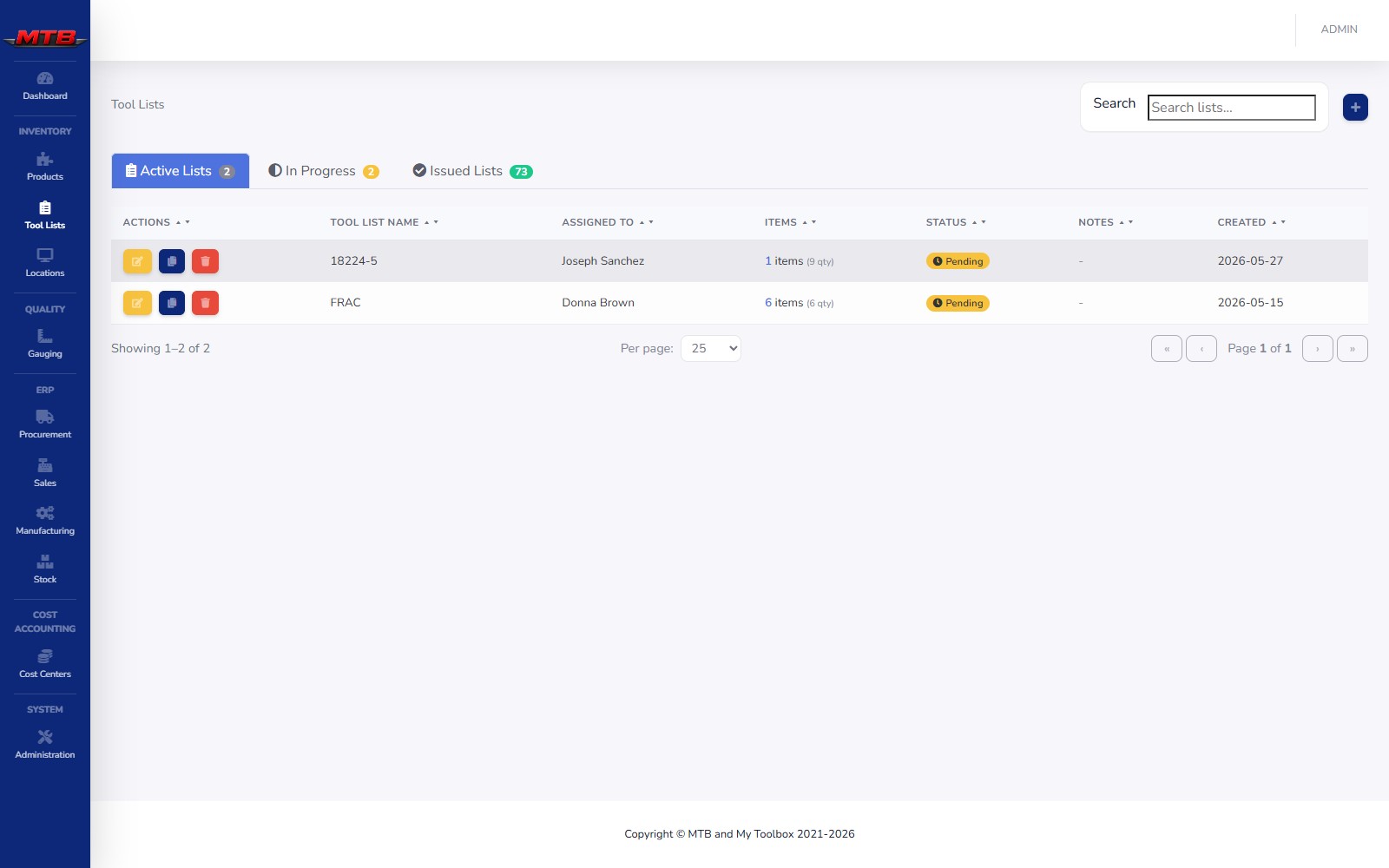
A saved tool list becomes a live issue at the cabinet, drawing down stock and charging the job as items leave.
Pick products & quantities
Appears at the cabinet
Guided checkout
Logged to the job
Save the exact set of tooling a setup needs, assign it to a person or group, and track it from pending to issued — with a checkout log for every item.
For controlled or high-value items, lists route to a group's queue for approval before they're released — so the right eyes sign off without slowing the floor down.
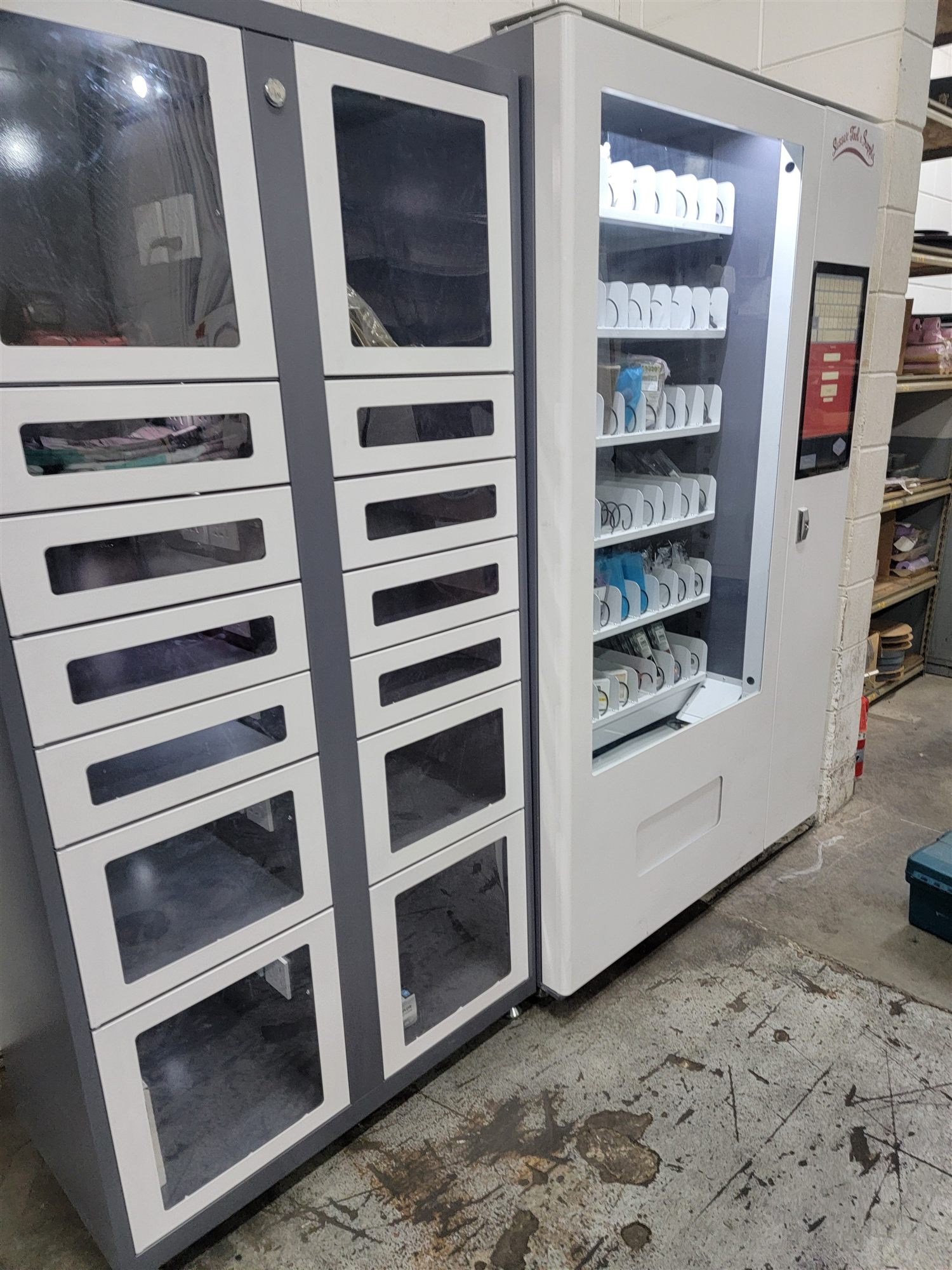
A pushed list lands on the cabinet screen and walks the operator through it one item at a time — open the bin, confirm the quantity, move to the next. Nothing leaves untracked.
Every issue draws from the same live stock and reorder logic that runs the cabinets.
InventoryEach pull captures a job or department, so consumption rolls up against the right budget.
Cost centersTie kits to work orders and BOMs so the tooling for a build is staged with the job.
ManufacturingWatch a saved list go from the office to a guided checkout at the cabinet.
 MyToolBox