Build any report without writing SQL, save it for the whole team, and have it land in the right inboxes on a schedule. The numbers come to you — usage, shortages, dead stock, transactions and more.
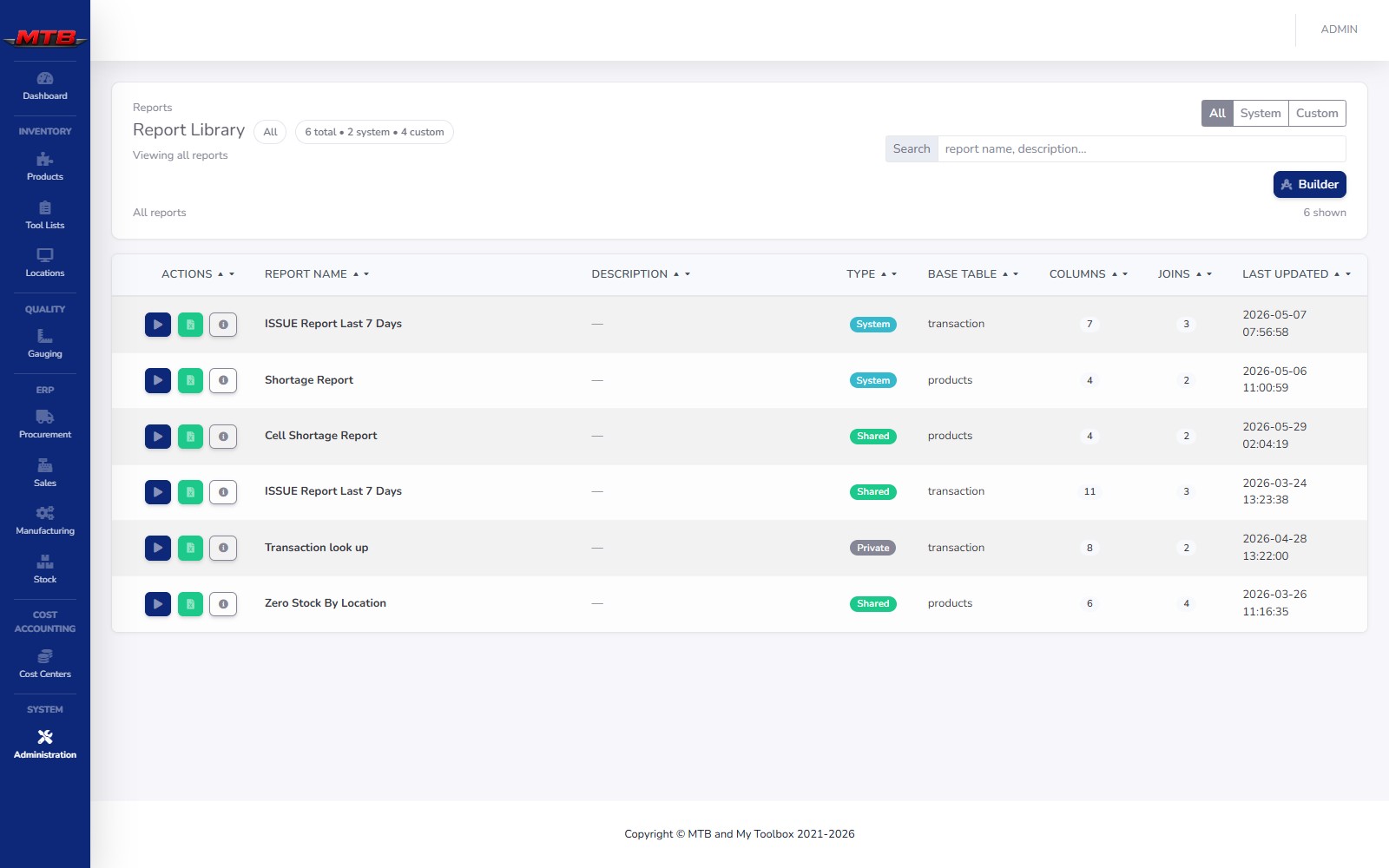
Starter reports ship ready to run; custom reports can be private or shared with everyone. Each row shows its base table, columns and joins — so everyone pulls from the same definitions and the numbers always agree.
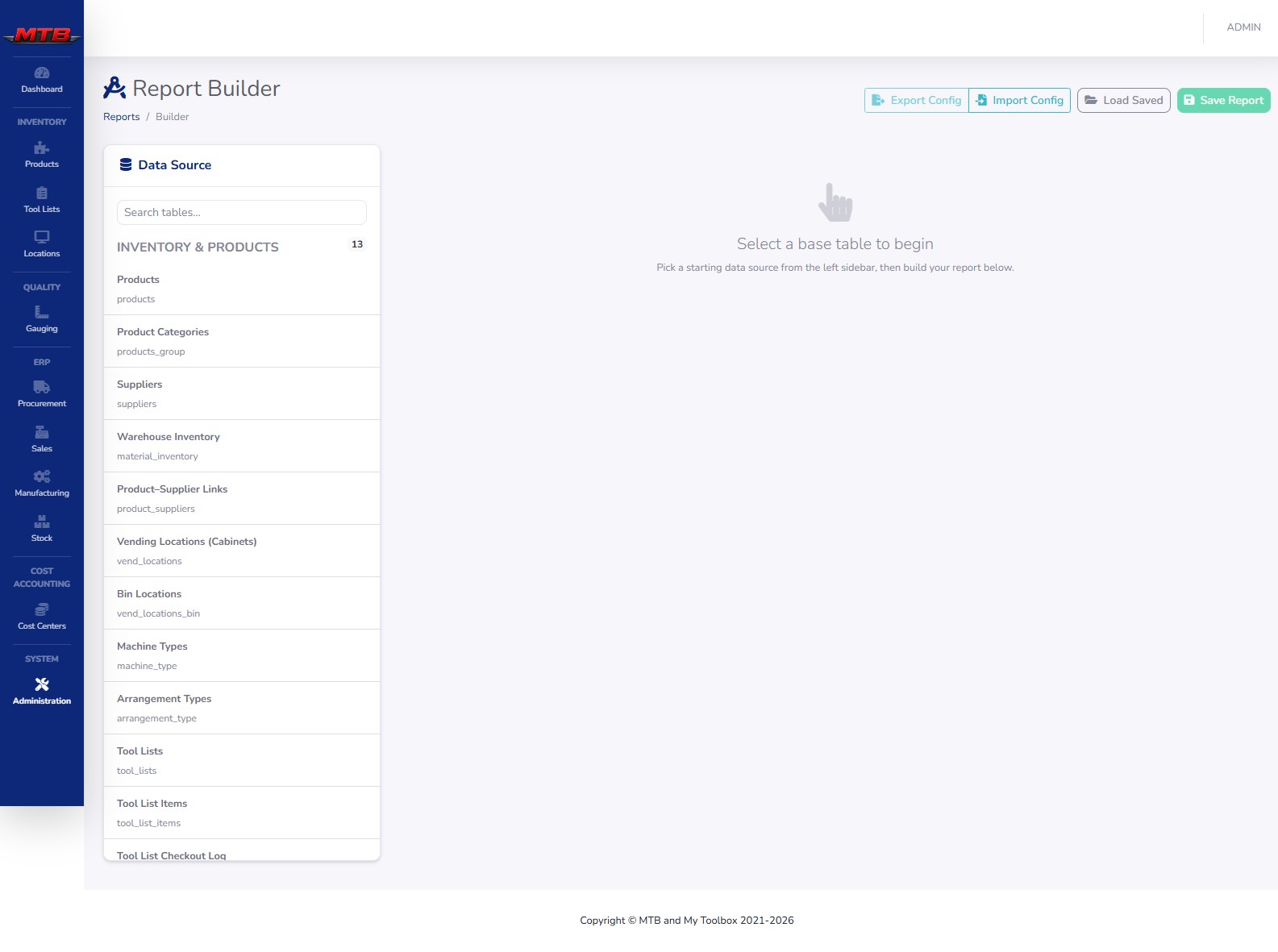
Pick a base table, then walk six steps. The Data Source panel groups every reportable table by area — Inventory & Products, Purchasing, Sales & Customers, Production & BOM, Maintenance & Assets, Quality & NCR, Gauging, Tooling, Workforce, Cost Centers. No SQL, no analyst required.
Filters keep a report focused, and rolling date ranges keep it current. Group detail rows into one line per product, supplier or month — and the builder warns you before a one-to-many join inflates your numbers.
Put any saved report on a schedule and MyToolBox emails it to the right people automatically — weekly shortage lists, daily issue logs, whatever cadence your team runs on. A three-month calendar marks every send day before you save.
report   = "Cell Shortage Report"
format   = XLSX
cadence  = every Mon 06:00
send_to  = purchasing@…, operations@…
last_run = success · 4 rows
next_run = Mon 06:00
Usage, shortages, dead stock and zero-stock-by-location pulled straight from Inventory & Vending.
Build progress, BOM rollups and order status from Manufacturing and Sales.
NCR, CAPA and calibration-due lists from Quality & Compliance.
Work orders, downtime and spend by cost center or asset.
Tell us the question — we'll build and schedule the report on the spot.
 MyToolBox