The same guidance that's built into the app — every module explained, organized by area. Search across everything, or browse by topic below.
Start with the basics, set the system up, then dig into whichever part of the operation you run. Each topic links straight to the screens it describes.
The product catalog: types, categories, suppliers, limits, and tool lists.
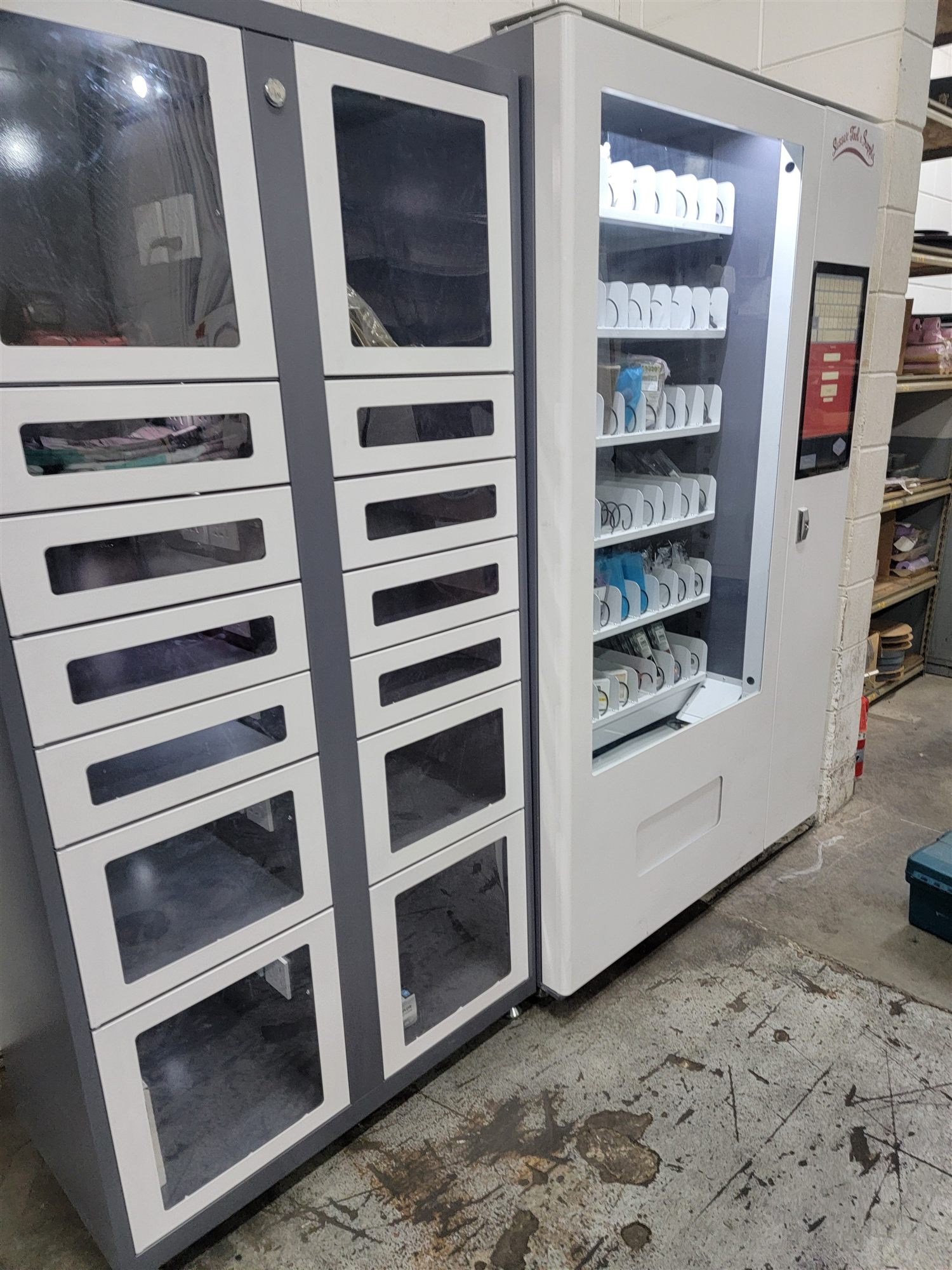
7 articlesVending cabinets, point-of-use bins, and the devices that run them.
5 articlesFinished goods, BOMs, routings, work orders, scheduling, and what a part really costs.
8 articlesMachines, PM schedules, work orders, spare parts, and tooling.
9 articlesWorkers, punching in and out, the kiosk clock, daily tasks, and labor scheduling.
6 articlesCustomers, quotes, sales orders, and getting product out the door.
6 articlesOrder materials from suppliers and receive them into stock.
4 articlesCalibrated measuring equipment: setup, calibration, checkout, and quality studies.
8 articlesReport problems, decide what happens to bad parts, and track scrap.
5 articlesTag every vending transaction with who, what, and why — then see where the money goes.
4 articlesRun, build, and schedule reports on any data in the system.
5 articlesUser accounts, permissions, site locations, and company settings.
5 articlesLoad your data and get the system ready to use.
6 articlesThe kiosk software that runs on the vending machines — login, Issue / Stock / Count / Return, tool-list checkout and the hardware it drives — has its own walkthrough.
 MyToolBox